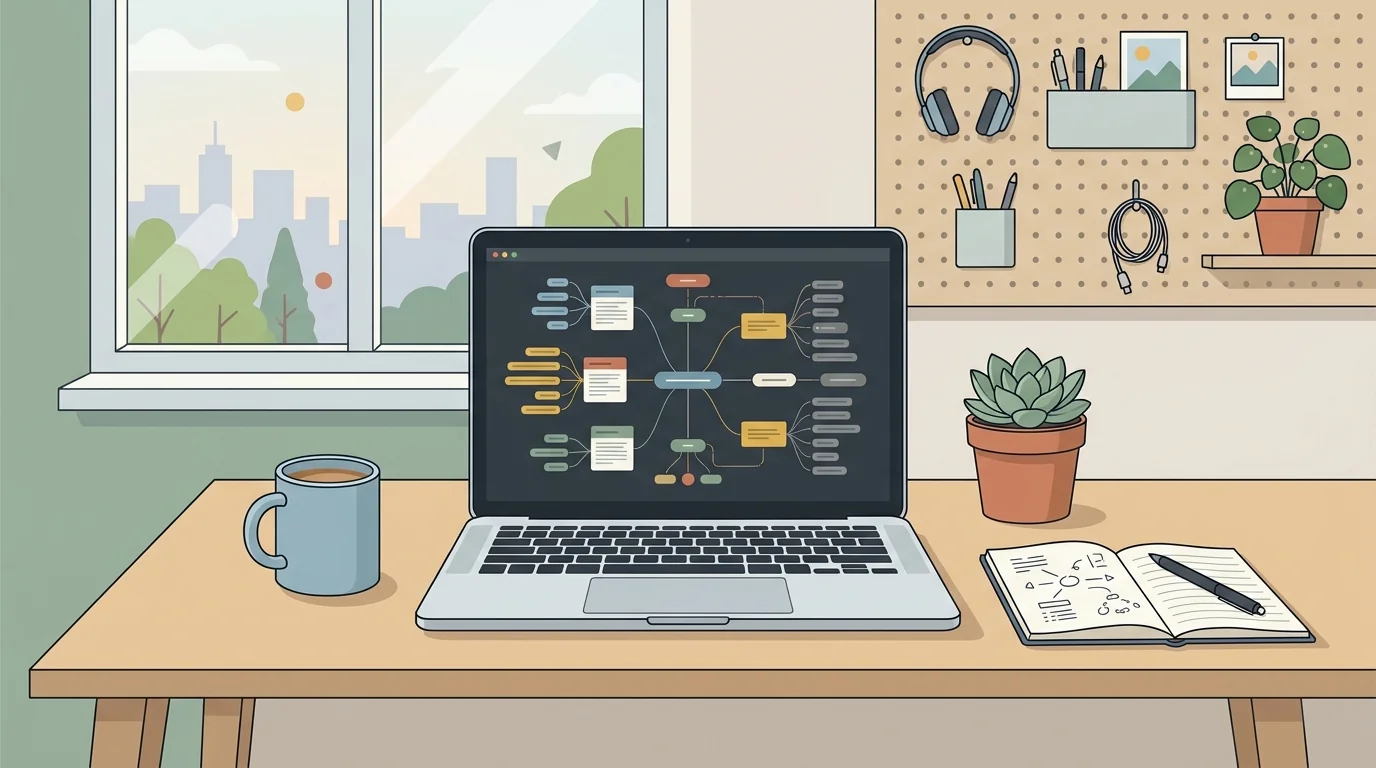
When I first sat down to figure out how to build a second brain in Notion, my digital workspace looked like a chaotic junk drawer. I had half-written notes scattered across three different apps, book highlights trapped on my e-reader, and project ideas scribbled on physical index cards that ended up lost under my desk. My mind constantly felt cluttered because I tried to hold every task, deadline, and creative spark in my biological memory.
Building an external knowledge management system inside Notion completely changed how I organize my work and personal projects. Instead of treating Notion as a simple text editor, I turned it into a connected digital operating engine. In this guide, I share my exact structural setup, from relational databases to daily capture protocols, so you can construct a resilient digital repository that works smoothly without demanding hours of daily maintenance.
Key Takeaways
Before constructing your workspace, review these core architectural foundations:
- Separate actionable project tasks from permanent reference archives to maintain mental clarity.
- Use relational databases with two-way rollups rather than deeply nested static subpages.
- Implement a rapid inbox view on your mobile dashboard to log thoughts in under ten seconds.
- Establish a recurring weekly clearing habit to process raw captures into designated vaults.
- Keep properties minimal so input friction remains low during heavy creative sessions.
To skip the design phase and start organizing productive systems immediately, Ready-made Notion Templates on plrbizhub.com provide professionally formatted digital assets that eliminate setup fatigue while maximizing focus. These tested templates allow creators to launch their workspaces in hours rather than weeks.
Core Philosophy Of Digital Knowledge Architecture
The foundational concept behind personal knowledge management, as documented in educational research on personal knowledge management, is simple: your mind is designed to produce insights, not to store static databases. When I attempted to retain article quotes, website bookmarks, client requests, and workout logs in my head, mental fatigue set in by early afternoon.
A functional second brain relies on four distinct operational stages: capture, organize, distill, and express. In Notion, each stage translates into specific database structures. Capture requires frictionless input portals. Organization categorizes raw thoughts into actionable contexts. Distillation extracts the core message from long documents. Expression turns those accumulated insights into finished products, whether an essay, a product launch, or a client proposal on plrbizhub.com.
Setting Up The Master Databases
Many beginners make the mistake of creating dozens of isolated pages with nested folders. In my experience, nested pages quickly become black holes where information disappears forever. Instead, I build my system around three interconnected master databases: Projects, Areas, and Resources.
The Projects database tracks finite initiatives with definitive completion deadlines. Each entry represents an active outcome, such as publishing an e-book or redesigning a personal portfolio. Key properties in this database include Status (Not Started, In Progress, Complete), Target Date, Priority Level, and a relation link to Tasks.
The Areas database manages ongoing responsibilities that demand continuous standard maintenance. Unlike projects, areas have no finish line. Examples in my workspace include Personal Finance, Physical Health, Content Strategy, and Home Maintenance. Connecting active projects to these overarching areas ensures my daily efforts align with long-term commitments.
The Resources database serves as my reference vault. Here I store book summaries, software snippets, design inspiration, research studies, and podcast transcripts. By connecting Resources to Projects via two-way relations, I can pull relevant reference notes directly onto a project dashboard without duplicating text.
Creating A Frictionless Capture Inbox
If saving an idea requires more than two clicks, you will abandon the habit during busy workdays. That was my biggest stumbling block early on. I designed elaborate forms with ten mandatory tags, which caused me to stop capturing notes altogether.
Now I maintain an unfiltered Inbox database right at the top of my primary workspace. The database contains only three properties: Name, Created Time, and Processed Checkbox. Whenever I read an interesting statistic or conceive a marketing hook, I dump it into this inbox immediately. Mobile widgets on my phone sync directly to this inbox view, ensuring zero friction on the go.
If you prefer a complete pre-configured system with linked databases, task rollups, and automated views, you can deploy the 200+ PLR Notion Templates Bundle to save dozens of hours of manual formula configuration.
Designing The Daily Cockpit Dashboard
Your main dashboard should act as a command center rather than a static filing cabinet. When I open Notion in the morning, I do not want to see my entire archive of past articles. I only want to see what requires my immediate attention today.
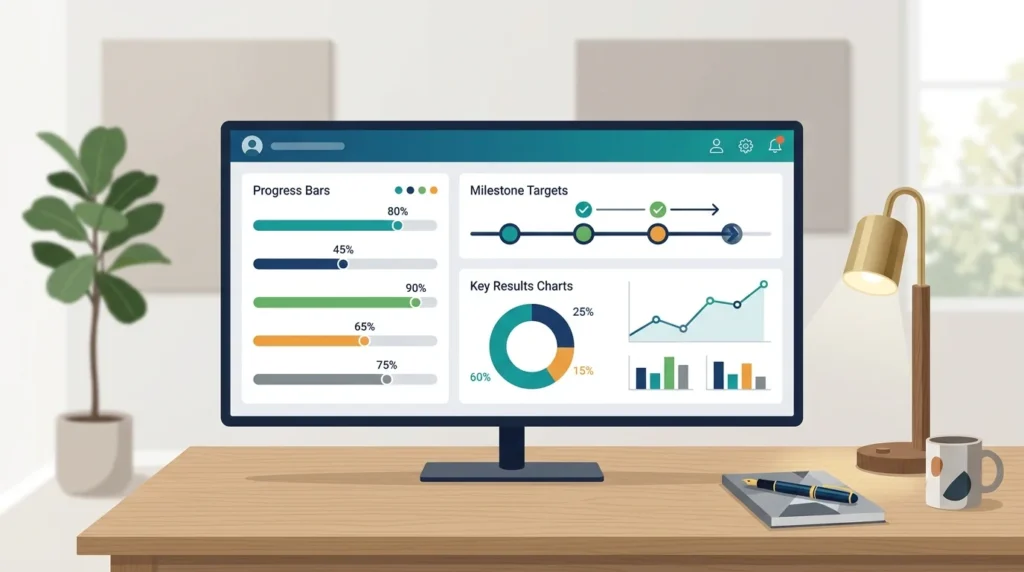
I configure my dashboard using linked database views filtered to dynamic criteria. The top section displays my Daily Focus board, which pulls tasks where the date property is set to today and the status is incomplete. Below the task board, I place an active project gallery showing only initiatives flagged as In Progress.
A collapsible toggle list on the right column houses quick links to my reference vaults and archive tables. This dual-column layout keeps visual noise to a minimum while keeping essential navigation within reach. To learn more about structuring commercial digital assets, review our breakdown on best tips for selling PLR digital products.
Progressive Summarization In Digital Notes
Saving information into Notion is only half the battle. If you save a ten-page transcript and never revisit it, that note provides zero leverage. I rely on progressive summarization to make archived research instantly scannable months down the road.
Layer one is the raw captured text, such as article highlights or meeting transcripts. Layer two involves bolding critical sentences during my initial read. In layer three, I highlight the most impactful bolded phrases with a distinctive background color. For landmark documents, layer four adds a concise executive summary at the very top of the page. When I research a topic later, I scan the executive summary in thirty seconds without rereading the full article.
Weekly Maintenance And Processing Protocols
Without regular maintenance, any digital workspace accumulates digital dust. Every Sunday morning, I dedicate twenty minutes to a simple three-step processing ritual that restores clarity across my databases.
First, I open the Capture Inbox and review all unfiled entries. I assign each note to its relevant project or resource category and check the processed box to remove it from view. Second, I inspect active project deadlines, archiving completed initiatives and rescheduling stalled milestones. Third, I clear temporary files, desktop downloads, and web bookmarks that accumulated during the week.
Pairing this maintenance habit with our upcoming blueprint on notion life operating system template setup guarantees your workspace remains an agile asset rather than an overwhelming burden.
Frequently Asked Questions
How much time does it take to maintain this system weekly?
I spend roughly fifteen to twenty minutes once a week clearing my inbox and updating project timelines. Keeping properties minimal prevents the maintenance process from turning into administrative chores.
Should I build this using Notion free or paid plans?
The standard free tier of Notion provides more than enough functionality to build and maintain a complete second brain architecture, including relational databases, unlimited blocks, and mobile synchronization.
Can I migrate my notes from other software easily?
Notion provides native import tools for Markdown files, HTML documents, and CSV spreadsheets. I recommend importing active projects first while keeping old historical archives in cold storage to avoid workspace bloat.
Treating your Notion workspace as an evolving thinking tool rather than a rigid monument allows your creative output to flourish without administrative drag.