When I first began building my notion habit tracker dashboard setup, I made the classic mistake of tracking twenty different habits at once. My dashboard looked like a complicated flight simulator with dozens of unchecked checkboxes mocking me every evening. Within two weeks, tracking my habits became more exhausting than actually doing them, and I abandoned the entire page in frustration.
Habit tracking should reduce cognitive fatigue, not create it. When built with clean database relations, automated progress formulas, and friction-free mobile views, Notion turns into an encouraging visual companion that reinforces positive behavioral routines. In this guide, I walk you through how I restructured my habit tracking system around atomic behaviors, automated calculations, and actionable weekly feedback loops.
Key Takeaways
Here are the structural principles to keep in mind when engineering your habit system:
- Focus on three to five keystone habits rather than overwhelming yourself with extensive checklists.
- Use native Notion formula properties to calculate daily completion percentages automatically.
- Create a dedicated mobile quick-entry view displaying only today’s checklist checkboxes.
- Incorporate monthly gallery cards with visual progress rings to track long-term consistency.
- Connect your habit metrics to weekly review reflections to identify energy patterns.
To skip the design phase and start organizing productive systems immediately, Ready-made Notion Templates on plrbizhub.com provide professionally formatted digital assets that eliminate setup fatigue while maximizing focus. These tested templates allow creators to launch their workspaces in hours rather than weeks.
The Behavioral Science Behind Keystone Habits
Behavioral research documented in scientific overviews of habit formation mechanisms proves that human willpower is a finite daily resource. When you attempt to overhaul your diet, exercise routine, reading habits, and meditation schedule simultaneously, decision fatigue inevitably sabotages your efforts.
I organize my Notion tracker around what author Charles Duhigg defines as keystone habits. A keystone habit is a single routine that naturally triggers positive ripple effects across other areas of your day. For me, thirty minutes of vigorous morning exercise and fifteen minutes of daily planning set the tone for focus. When I complete those two routines, everything else flows naturally. Narrowing my tracker to four core behaviors transformed my consistency score from forty percent to over ninety percent.
Database Structure And Core Properties
I structure my habit tracker using a single master database named Daily Logs. Each row in this database represents one calendar day. This table-centric architecture makes data aggregation, mathematical formulas, and historical trend analysis remarkably simple.
The primary properties in my Daily Logs database include Date (Defaulting to today), Day of Week (Formula displaying Monday through Sunday), and four individual Checkbox properties representing my core habits: Morning Movement, Deep Work Block, Daily Reading, and Evening Wind-Down. I also include a Rating property (Select: Low, Average, High) to log my subjective energy levels at the end of each day.
If you prefer to bypass writing complex formula syntax and rollup configurations, you can explore the pre-built dashboards in our 200+ PLR Notion Templates Bundle, which features automated streak trackers and visual progress gauges right out of the box.
Automating Daily Progress Percentage Formulas
Checking boxes is satisfying, but seeing a visual completion percentage bar offers an immediate dopamine reward. Notion allows you to write custom formulas that calculate the exact percentage of completed habits for each day.
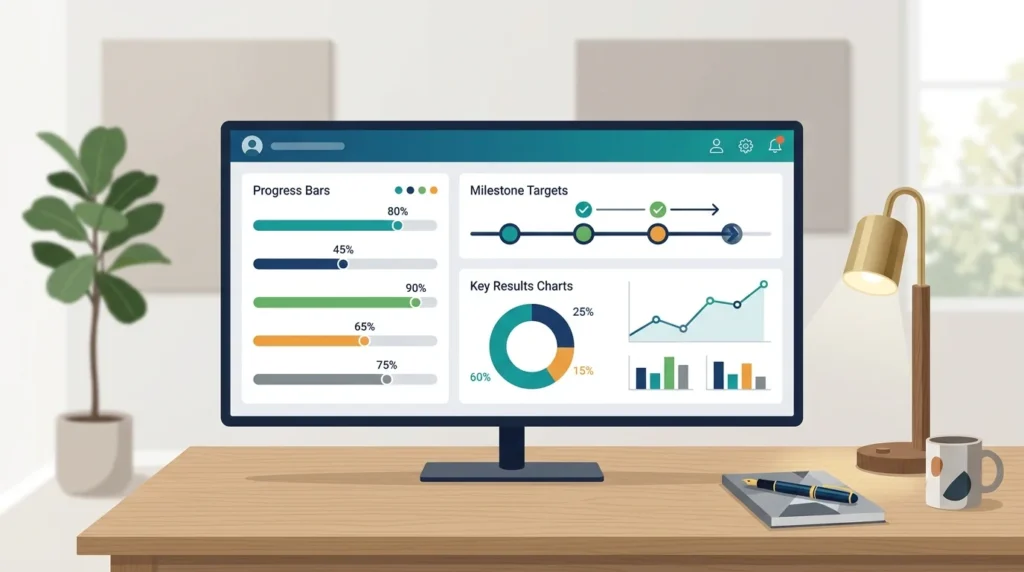
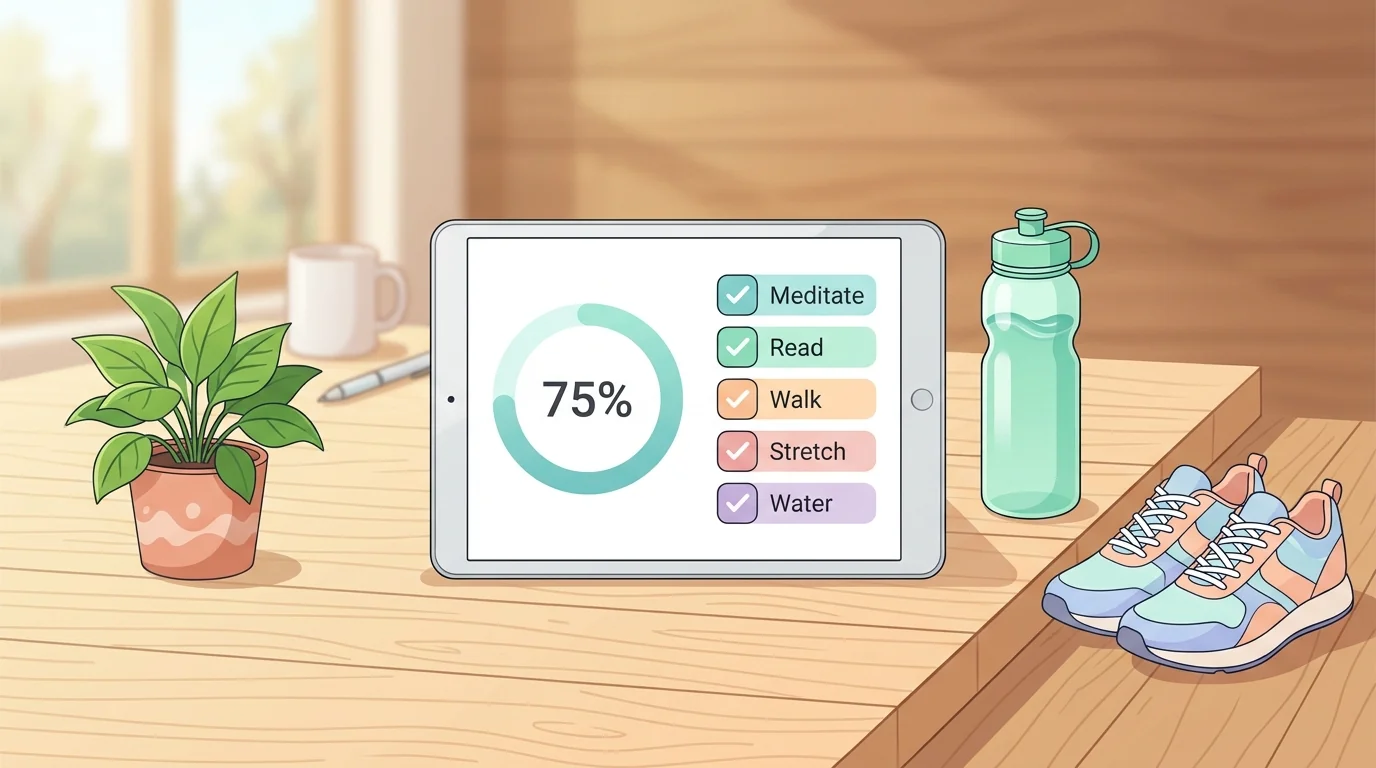
To calculate completion, I use a straightforward formula property that counts how many checkboxes are marked true and divides that number by the total count of active habits. In Notion’s property formatting menu, I select the Ring or Progress Bar display option. Whenever I check off a morning workout, the bar jumps from zero to twenty-five percent. When all four boxes are checked, the bar turns green and shows one hundred percent. This immediate visual feedback makes daily compliance remarkably rewarding.
I also set up automated recurring templates. At midnight, Notion automatically creates a fresh daily page populated with today’s date and unchecked boxes, ensuring that my morning canvas is ready without manual setup. To understand how to customize pre-made templates for client resale, review our guide on how to rebrand PLR products effectively.
Optimizing The Mobile Quick-Entry Interface
Most habit tracking happens away from a desktop computer. If you have to boot up a laptop just to log an afternoon glass of water or a gym session, compliance drops precipitously. That is why mobile design must be your primary consideration.
On my smartphone, I do not navigate through my full desktop command center. Instead, I created a dedicated page titled Today. On this page, I embed a linked view of the Daily Logs database configured as a single gallery card. The filter is locked to Date is Today, and the card properties show only the habit checkboxes. With a single tap on my phone’s home screen widget, I open the card and check off my routine in two seconds. Minimizing input friction guarantees consistent tracking even on chaotic travel days. For broader life management synergy, see our guide on notion life operating system template setup.
Analyzing Monthly Consistency And Streak Analytics
Daily tracking provides accountability, but monthly trend analysis reveals the broader truth about your lifestyle patterns. At the end of every month, I review my habits through a high-level calendar view and gallery summary.
In the Calendar view, I configure the display properties to show the daily progress bar right on the calendar grid. Scanning across thirty days instantly reveals behavioral clusters. I can immediately spot if my reading habit drops off every Thursday or if my workout consistency dips following client project launches. Recognizing these environmental friction points allows me to adjust my schedule before bad habits cement themselves. To see how habit tracking connects to focused work sessions, explore our breakdown on notion daily planning dashboard for deep work, as well as the template suites on plrbizhub.com.
Conducting Weekly Habit Audits
Every Sunday afternoon, I spend five minutes correlating my habit completion percentages against my overall productivity output. Tracking numbers without reflection is a wasted opportunity to learn about your personal operating rhythm.
I pull up my Weekly Review dashboard, where a linked database view summarizes the average completion rate for the past seven days. If my weekly score is above eighty-five percent, I celebrate that consistency. If a specific habit dropped below fifty percent, I ask myself what friction caused the lapse. Often, the habit was simply too ambitious for my current season of life. Shrinking the scope – such as reading five pages instead of thirty – restores momentum without guilt.
Frequently Asked Questions
How many habits should I track simultaneously?
I recommend tracking no more than three to five keystone habits at once. Tracking too many items creates decision fatigue and leads to total system abandonment.
What should I do when I break a habit streak?
Adopt the never-miss-twice rule. Missing one day has virtually no impact on long-term habit formation, as long as you resume the behavior the very next day.
Can I export my habit data for external analysis?
Yes. Notion allows you to export any database to CSV format with a single click, making it easy to analyze trends or generate charts in spreadsheet software.
A well-crafted Notion habit dashboard turns daily discipline into an engaging, visual game that quietly aligns your actions with your highest goals.