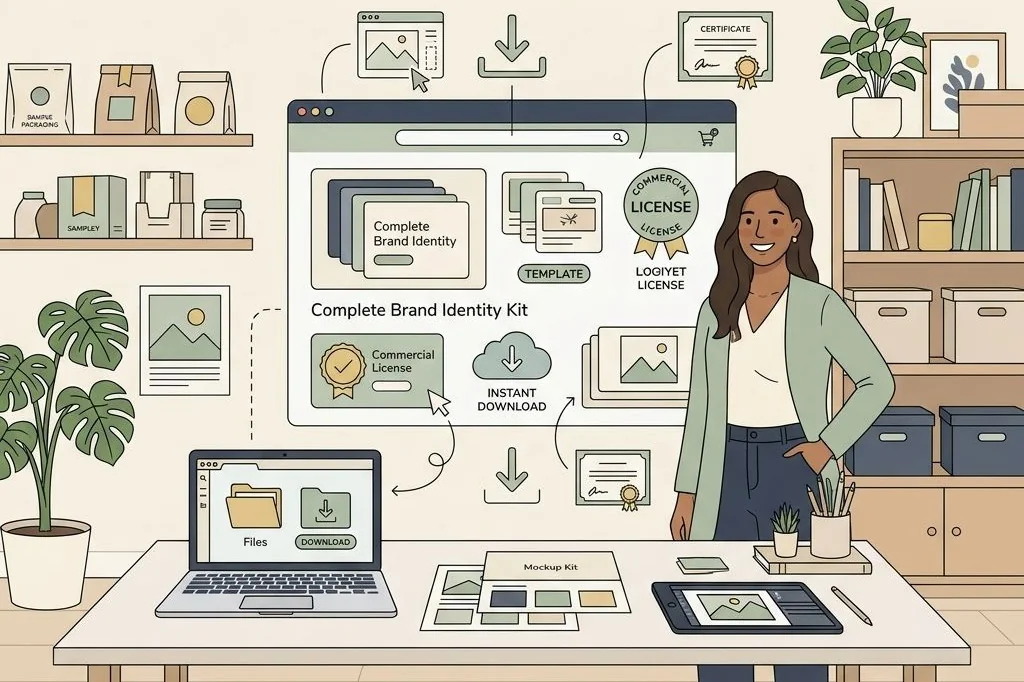
Selling single, isolated graphic templates online is a grind. When you list a standalone logo template or an individual business card layout for seven dollars, you have to generate hundreds of transactions every week just to cover your software subscriptions and advertising costs. Competing on single-asset pricing forces you into a race to the bottom against thousands of bargain creators.
The secret to building sustainable, high-margin revenue lies in strategic product bundling. By mastering the art of packaging brand identity kits for digital download, you transform inexpensive design pieces into high-value commercial solutions that solve a buyer’s complete visual branding needs in one cohesive purchase. Bundles deliver greater customer satisfaction because clients receive a unified design ecosystem.
Key Takeaways
Here are the core operational strategies for assembling, delivering, and monetizing complete digital branding bundles:
- Bundling style guides, logo suites, social media packs, and stationery mockups commands prices between thirty-seven and ninety-seven dollars.
- Deliver templates through an organized, branded PDF access dashboard with distinct links to individual Canva files.
- Include clear commercial licensing terms and reselling rights documentation to build trust with agency and freelancer buyers.
- Provide video walkthrough tutorials showing clients how to customize global colors, fonts, and photo placeholders in minutes.
- Scale your catalog with ready-to-sell commercial templates, similar to the business models I break down on PLR Biz Hub for digital asset creators.
To skip the design phase and start selling profitable brand identity assets immediately, Ready-to-Sell Canva Branding Templates on plrbizhub.com provide professionally formatted digital kits that eliminate design fatigue while maximizing profit margins. These tested layouts allow creators to launch their digital stores in hours rather than weeks.
The Anatomy of a High-Converting Brand Identity Bundle
When an online coach, consultant, or boutique shop owner buys a brand identity kit, they are not buying raw graphics; they are buying speed and consistency. They want everything they need to launch their brand without having to hire four different freelancers.
A comprehensive commercial brand kit should combine five synchronized design modules:
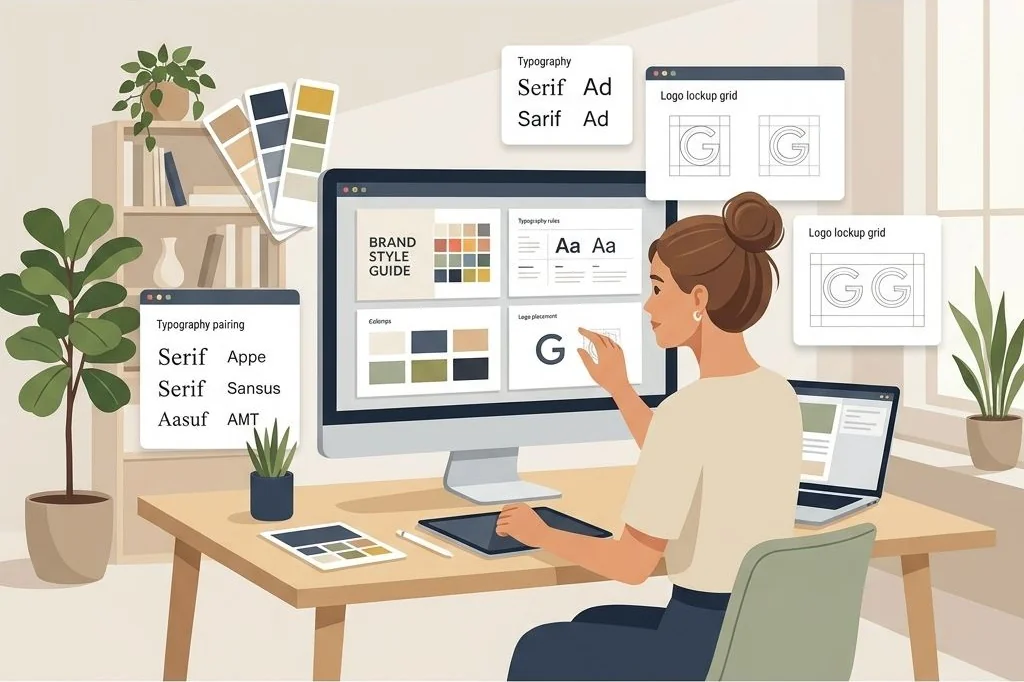
- The Master Brand Style Guide: A ten-page presentation manual outlining logo safe zones, color breakdowns (Hex/RGB/CMYK), and typography scales.
- Editable Logo Suites: Primary horizontal logos, secondary stacked badges, submarks, and round social media avatars.
- Marketing Collateral Templates: Double-sided business card templates, email signature banners, and branded invoice header layouts.
- Social Media Content Kit: Matching Instagram feed squares, carousel slide templates, and vertical story layouts formatted with consistent brand elements.
- Client Presentation Assets: Aesthetic mood board slides and proposal cover sheets for presenting brand identity work to clients.
If you prefer to deploy an established, ready-made suite rather than building dozens of interconnected files from scratch, you can utilize the complete PLR Social Media Branding Templates Kit to launch a fully fleshed-out storefront catalog immediately.
I also recommend organizing files into logical sub-folders within the deliverable. Providing separate folders for social graphics, vector logos, and presentation decks prevents customers from feeling overwhelmed by hundreds of individual assets when opening their download dashboard.
Structuring the Digital Delivery Dashboard
One of the biggest technical headaches for template sellers is delivery confusion. If you package five different Canva links into a plain text file or an unformatted email receipt, buyers will inevitably email support asking where their files are located or complaining that links are broken.
I deliver all multi-asset kits through an interactive PDF access dashboard. The dashboard is designed like a professional software welcome screen with distinct sections:
- Direct Template Launch Buttons: Clear call-to-action buttons for each specific module (e.g., “Open Style Guide Template”, “Access Social Media Kit”), linking directly to Canva’s official Template Share URLs.
- Two-Minute Video Walkthrough: An embedded video link demonstrating how to create a free account, duplicate files, and update colors globally across all pages.
- Commercial License Summary: Clear terms specifying what the buyer can and cannot do with the templates, preventing unauthorized redistribution.
- Dedicated Support Channel: A direct contact link for prompt customer assistance, reassuring buyers that support is readily available.
Building structured onboarding reduces refund requests to near zero, as I explore in detail in my guide on digital product onboarding documentation. Adding a clickable table of contents and hyperlinked section bookmarks inside the access PDF ensures customers on tablets or mobile phones navigate straight to their desired design files without scrolling through multiple instruction pages.
Pricing Strategies: Moving from $7 Files to $67 Bundles
Customer acquisition costs on digital platforms make low-ticket sales increasingly difficult to sustain. If you spend fifteen dollars on advertising to sell a nine-dollar standalone template, you are losing money on every single customer.
When you package your templates into complete brand identity kits, you fundamentally change your unit economics. You can comfortably price the complete bundle between thirty-seven and sixty-seven dollars. Customers gladly pay this premium because purchasing all components individually from different shops would cost upwards of two hundred dollars and result in mismatched visual styles.
You can also create tiered offers: an entry-level starter kit containing just the style guide and logos for twenty-seven dollars, and a complete agency commercial bundle including all social posts, stationery, and pitch decks for sixty-seven dollars. For more on packaging presentation templates for coaches and service providers, check out my guide on selling presentation templates to online service providers.
Deploying post-purchase order bumps during checkout further expands transaction value. Offering matching email newsletter headers or digital business cards for a twelve-dollar add-on frequently converts twenty-five percent of buyers, generating pure profit margin without additional advertising cost.
Listing Optimization and Mockup Presentation
In the digital download market, your listing thumbnail image is your storefront window. If your mockup looks flat, cluttered, or amateurish, shoppers will scroll right past your listing, regardless of how meticulously your Canva files are built.
Create layered, dynamic product mockups showing your templates displayed across modern devices: a desktop monitor showing the style guide, an iPad displaying the social media carousel, and an iPhone showcasing story layouts. Arrange printed stationery mockups like business cards and letterheads beside the digital devices to communicate versatility. Building storefronts on platforms like WooCommerce with fast-loading WebP imagery ensures crisp visuals on retina screens.
Always highlight that designs utilize free elements inside Canva, eliminating surprise paywalls for your buyers. Clear visual proof paired with transparent product specifications builds immediate shopper trust and drives consistent sales.
Frequently Asked Questions
What file format should I deliver to digital download buyers?
Deliver a single, beautifully formatted PDF document containing clickable buttons that open each Canva template link directly in the buyer’s browser, alongside usage instructions and video links.
Can I sell Canva templates with commercial PLR rights?
Yes, you can sell templates with Private Label Rights (PLR) or Master Resell Rights (MRR) provided the design is entirely your original creation and utilizes free library assets or elements with appropriate licensing.
How do I prevent buyers from sharing my Canva template links publicly?
While you cannot technically password-protect an open Canva share link, hosting your delivery PDF inside password-protected customer account portals and including explicit legal copyright terms significantly minimizes link leakage.
What is the average conversion rate for a digital brand kit bundle?
With professional listing mockups, transparent licensing disclosures, and targeted traffic, complete brand identity bundles typically achieve conversion rates between 2.5% and 4.5% on dedicated ecommerce storefronts.