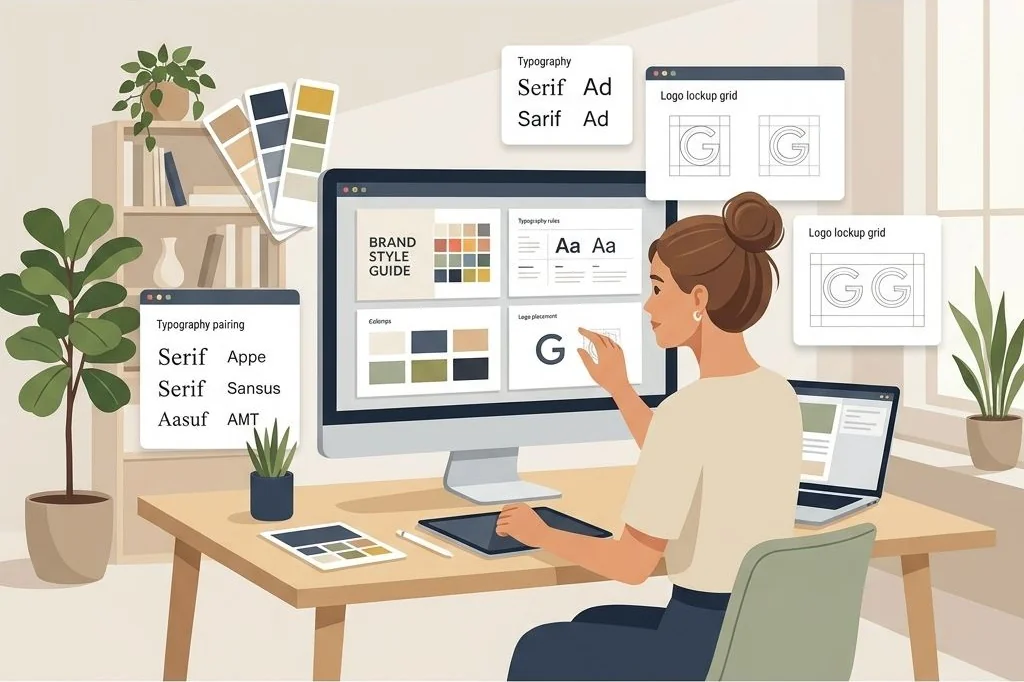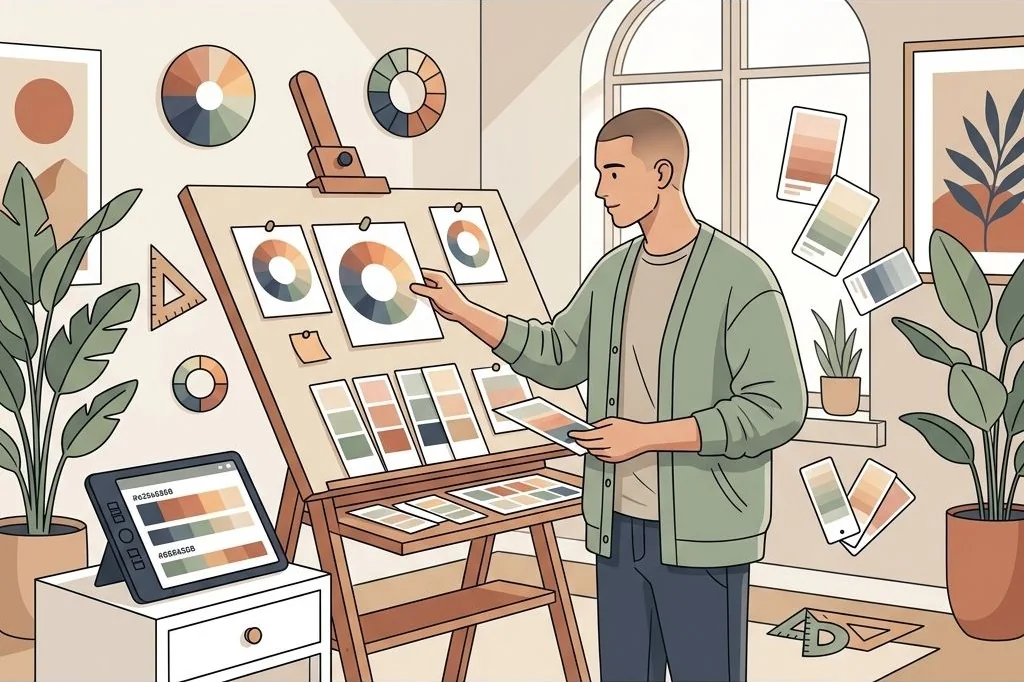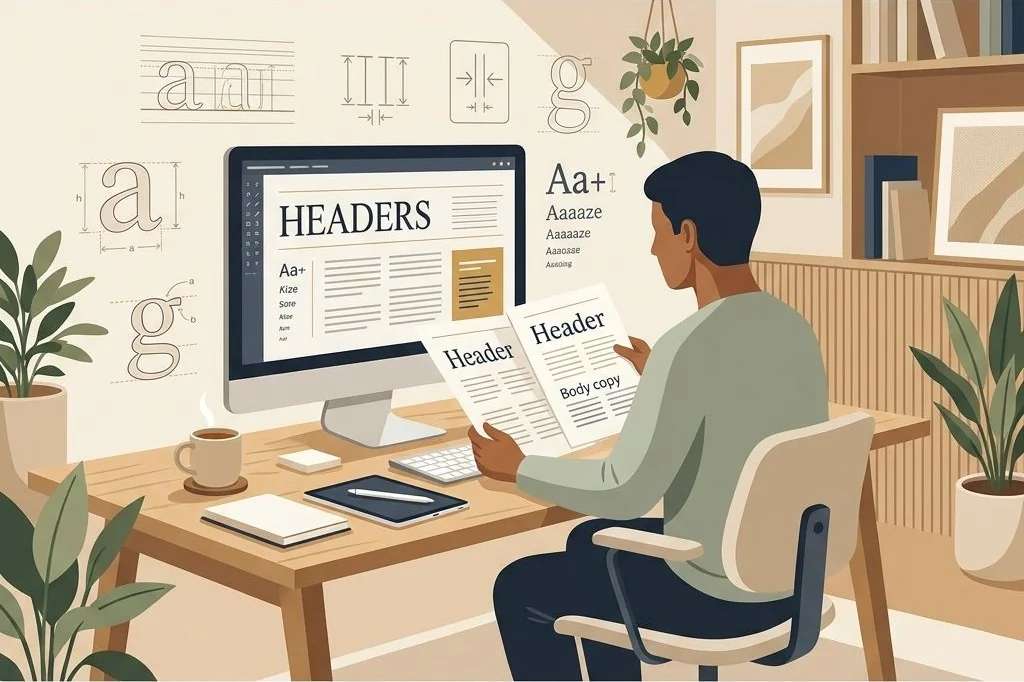

When you begin a creative branding project, words are notoriously unreliable. A client says they want their brand to feel “luxurious yet earthy,” which sounds great in a discovery meeting. But to the client, that might mean raw linen, botanical sketches, and terracotta pots, while to the designer, it might mean heavy marble, polished gold fixtures, and emerald velvet. Starting design work based on verbal descriptions alone is a recipe for endless revision cycles.
Visual mood boards bridge this subjective divide. By developing modular mood board layout templates for branding, you equip creative entrepreneurs and agencies with structured visual storytelling frameworks that establish client consensus before anyone designs a single logo or website layout.
Key Takeaways
Here are the foundational strategies that turn basic photo collages into powerful strategic branding boards:
- Structure mood boards with varying frame sizes to establish a clear focal hierarchy rather than a flat, uniform grid.
- Balance lifestyle imagery, architectural textures, color chips, and typography specimens across every layout board.
- Leave intentional negative space between picture frames to let visual concepts breathe without visual clutter.
- Incorporate written concept statements and keyword tags that articulate the strategic emotional intent of the imagery.
- Offer editable mood board collections as part of complete brand kits, following the asset creation systems I document on PLR Biz Hub for digital entrepreneurs.
To skip the design phase and start selling profitable brand identity assets immediately, Ready-to-Sell Canva Branding Templates on plrbizhub.com provide professionally formatted digital kits that eliminate design fatigue while maximizing profit margins. These tested layouts allow creators to launch their digital stores in hours rather than weeks.
The Four Core Pillars of a Strategic Mood Board
A mood board is not a random collage of pretty photos found online; it is a strategic business proposal. When I design commercial mood board templates, I ensure every layout includes placeholders for four distinct visual ingredients:
- The Emotional Anchor Image: One dominant, large frame occupying roughly one-third of the board. This image communicates the primary human emotion or lifestyle aesthetic of the brand, such as a confident entrepreneur in a sunlit studio or a calm morning routine.
- Tactile Textures and Materials: Two or three smaller detail frames showcasing tangible surfaces like rough-hewn stone, ribbed cotton, brushed copper, or textured watercolor paper. Tactile details ground digital brands in physical reality.
- Color Swatch Samples: Four to five compact blocks extracting the exact color harmony present in the surrounding photographs, complete with editable Hex code text boxes.
- Typographic & Quote Snippets: A dedicated card displaying a short brand mantra, inspirational phrase, or font sample that defines the brand tone and verbal tempo.
By balancing these four ingredients, the template forces users to think holistically about the brand rather than focusing on isolated images.
I also recommend including a physical material swatch card within the digital board. Showing how the digital aesthetic translates into real-world textures like unbleached kraft paper, blind debossed cardstock, or matte ceramic finishes gives clients a complete sensory preview of their future merchandise.
Asymmetrical Grid Layouts That Guide the Eye
Uniform grids composed of identical square boxes feel rigid, clinical, and visually boring. The human eye craves rhythm and visual contrast. In editorial design, asymmetrical arrangements create natural focal points that guide viewers smoothly across the board.
In my Canva templates, I build modular layouts using overlapping frames and offset rectangular containers. Placing a tall portrait image next to two stacked horizontal detail shots creates a dynamic visual cadence. I maintain a strict eighteen-pixel gutter spacing between every frame to prevent visual clutter, allowing each texture and photo to stand out distinctly.
If you want to offer clients pre-built design collections that include editable social posts, color guides, and branding layouts ready to rebrand, deploying the PLR Social Media Branding Templates Kit provides a turnkey solution that saves dozens of design hours. To learn how to adapt creative digital assets for resale, explore my breakdown of rebranding and customizing digital templates.
Integrating Client Pitch Narrative Frames
The true power of a mood board emerges when presenting design concepts to clients or internal stakeholders. Presenting a mood board without explaining the underlying business rationale invites subjective debates over personal color tastes.
To solve this, I incorporate editable narrative frames directly into the presentation template. Beneath or alongside the visual collage, I add structured text zones for:
- The Core Concept Title: A memorable three-word theme name (e.g., “Warm Architectural Minimalism”).
- Target Audience Alignment: Two short sentences explaining why this visual aesthetic appeals directly to the client’s ideal buyer persona.
- Visual Tone Keywords: Five curated adjectives (e.g., “grounded, refined, intentional, approachable, crisp”) that anchor future creative approvals.
This narrative structure transforms a simple visual mood board into a strategic business deliverable. For complementary strategies on pitching presentation decks to clients, review my guide on transforming presentation decks into high-converting assets.
Building these layouts inside accessible platforms like Canva ensures that buyers can drag and drop un-watermarked stock photography into designated frames in seconds. Clients can review interactive presentation links directly on desktop or mobile devices, speeding up client sign-off.
Adding guided client prompt cards inside the template helps users run productive discovery sessions. Prompts asking clients to highlight the two images that resonate most create actionable feedback loops that prevent broad, vague rejection of creative work.
Curating Stock Photography for Commercial Templates
When you sell mood board templates, the placeholder photos you include inside your preview listings heavily influence your conversion rate. Customers buy the aesthetic promise of the template before they ever inspect the underlying layout mechanics.
Always curate high-end, royalty-free placeholder photography from platforms like Unsplash, Pexels, or Canva’s free media library. Focus on images with consistent lighting temperature, subtle grain, and harmonious color tones. Avoid cheesy, staged corporate stock photos showing people pointing at graphs. Natural, candid lifestyle shots and authentic architectural textures lift the perceived commercial value of your product immediately.
I also advise customers to replace placeholder photography with genuine client imagery during final project execution, ensuring every brand pitch feels custom-crafted and tailored to the client’s business goals. Reminding buyers to compress high-resolution image uploads prevents document lag and keeps client presentation files downloading swiftly across mobile networks.
Frequently Asked Questions
What canvas size is best for client mood board templates?
Standard landscape presentation size (1920×1080 pixels) is optimal for digital presentations and video calls, while 1080×1350 pixels (4:5 portrait) works well for social media carousels and mobile portfolio sharing.
How many images should be included on a single mood board?
An effective mood board typically features between six and nine curated images: one dominant hero shot, three or four supporting lifestyle frames, two texture details, and a color swatch bar.
Should I present multiple mood board directions to a branding client?
Yes, presenting two or three distinct visual directions (such as one warm and organic, and one clean and modern) gives clients meaningful choices while narrowing down their aesthetic preferences efficiently.
How do I ensure stock photos in my templates do not violate copyright?
Use only images from verified public domain or CC0 sources, or use Canva’s native free element library, and instruct template buyers to swap in their own photography or client assets for commercial projects.