Every freelance designer knows the frustration of delivering a gorgeous logo to a client, only to see them stretch it across a neon flyer with three clashing fonts a week later. Clients do not ruin their visual identity on purpose. They do it because nobody handed them a clear, accessible rulebook that explains how their branding elements work together. That communication gap represents a massive commercial opportunity for digital product creators.
Small business owners, content creators, and agencies desperately need clean brand identity documentation, but they rarely have thousands of dollars to hire a boutique design firm. By creating intuitive canva brand style guide templates to sell, you provide an affordable, user-friendly system that allows non-designers to maintain visual consistency across every marketing channel.
Key Takeaways
Here are the foundational strategies that turn basic design layouts into high-converting brand guide assets:
- A complete style guide template should encompass logo spacing, primary and secondary color palettes, font hierarchies, and imagery standards.
- Design modular pages using standard desktop presentation dimensions so buyers can present guides digitally or export print-ready PDF booklets.
- Use accessible free typography and elements within the template so customers never encounter paywalls or premium licensing fees.
- Include customizable placeholder frames and clear written instructions that show buyers exactly where to paste their assets.
- Pair your brand guidelines with complementary social media templates, similar to the multi-format strategies I share on PLR Biz Hub for digital entrepreneurs.
To skip the design phase and start selling profitable brand identity assets immediately, Ready-to-Sell Canva Branding Templates on plrbizhub.com provide professionally formatted digital kits that eliminate design fatigue while maximizing profit margins. These tested layouts allow creators to launch their digital stores in hours rather than weeks.
Core Anatomy of a Commercial Brand Style Guide
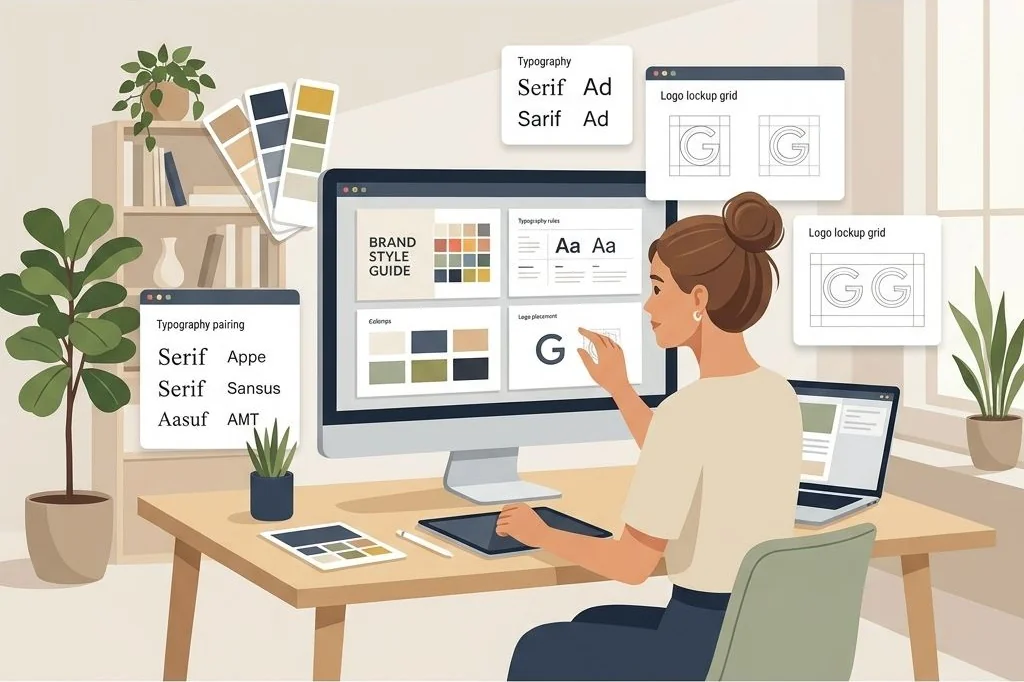
When buyers purchase a brand guidelines template, they want a logical flow that walks their team through every visual touchpoint. I structure my templates across ten to twelve essential pages, ensuring no critical branding rule gets overlooked:
- Brand Overview & Mission Statement: A clean introductory page featuring brand values, target audience descriptions, and brand voice adjectives.
- Primary & Secondary Logo Architecture: Dedicated layout zones displaying the primary horizontal logo, secondary stacked logo, brand marks, and favicons.
- Clear Space & Minimum Sizing Rules: Visual diagrams showing minimum isolation padding around the logo to prevent visual crowding on marketing collateral.
- Logo Misuse Warnings: A practical “do not” page highlighting common design errors such as rotating the mark, applying harsh drop shadows, or altering approved brand colors.
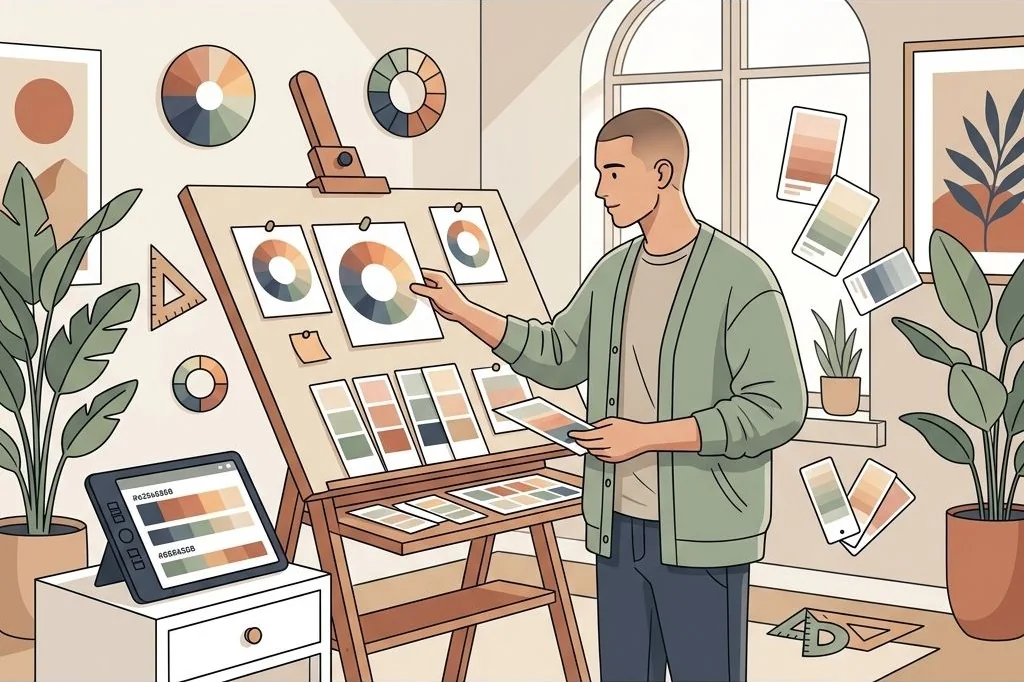
- Color Harmony & Values: Large color swatch blocks displaying Hex codes, RGB values, and CMYK equivalents for print reproduction.
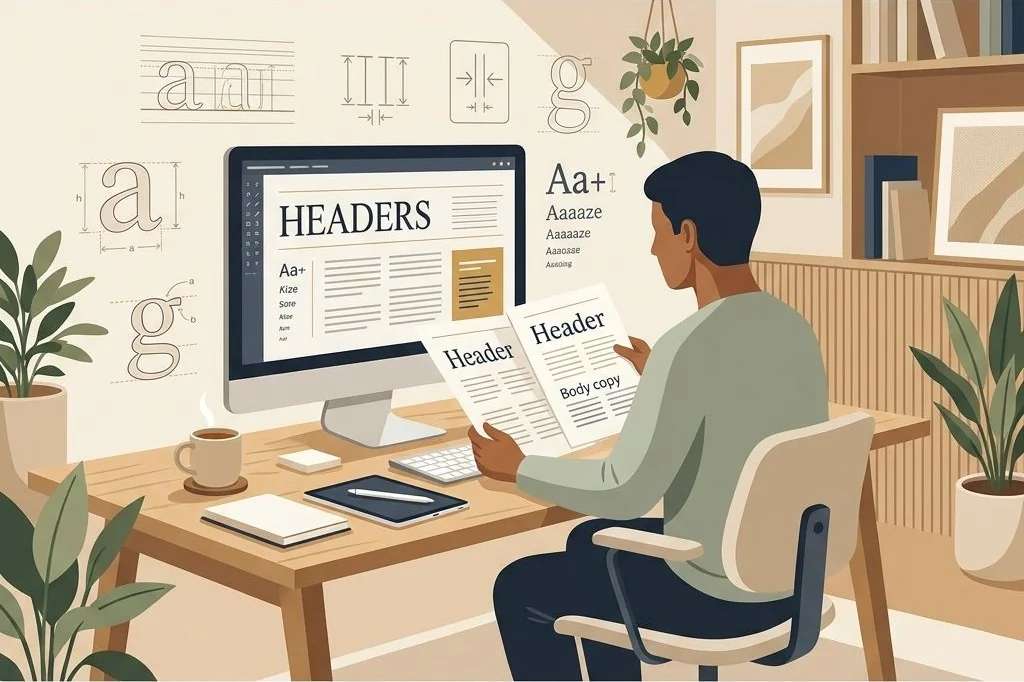
- Typographic Hierarchy: Clear sample paragraphs exhibiting the primary header font, secondary subheader style, and readable body copy font pairings.
Structuring the template with this level of commercial thoroughness immediately positions your product as a premium design asset rather than a hasty two-page cheatsheet.
I also include dedicated sections for photography direction and mood guidelines. Explaining lighting styles, subject framing, and saturation preferences prevents clients from mixing stock images that clash with their brand personality. A well-rounded brand manual acts as a single source of truth for contractors, virtual assistants, and in-house marketing teams.
Designing for Non-Designers: Usability First
The biggest design trap when building templates is designing for your fellow creative professionals instead of the actual end customer. Your typical buyer is often a solo service provider, virtual assistant, or boutique shop owner who feels intimidated by complex software.
To ensure effortless customization, use intuitive drag-and-drop photo frames for every image placeholder. Group related text boxes together and lock background decorative elements so buyers do not accidentally shift margins when editing headers. If you want to expand your catalog with pre-assembled visual bundles, deploying the ready-to-sell PLR Social Media Branding Templates Kit gives you a full suite of marketing graphics designed specifically for quick client customization.
Always select fonts and design elements that are available on the free tier of popular graphic design suites like Canva. If your template requires a premium paid subscription to replace an icon or export a page, customers will leave negative reviews. Sticking to versatile, open-access elements guarantees a seamless customer experience from the moment they duplicate the file.
Add helpful callout boxes directly on the editing canvas with quick tips explaining how to change a hex code or swap an image. These inline instructions remove fear and empower customers to customize their documents with complete confidence.
Typography Systems That Build Instant Visual Authority
Typography does the heavy lifting in brand perception. When buyers open your style guide template, the font pairings should immediately communicate a cohesive personality, whether that is editorial luxury, modern corporate tech, or approachable wellness.
I establish strict typographic proportions inside each template layout. For example, setting primary headings to thirty-two points, subheadings to twenty points, and body copy to twelve points with 1.4 line spacing creates an unmistakable reading rhythm. I also provide alternate font pairing suggestions directly in the margin notes, helping buyers adapt the layout to their specific industry niche.
To understand how disciplined typographic hierarchy translates across digital document formats, check out my breakdown of masterclass slide design and visual hierarchy. Applying consistent layout principles ensures your templates look balanced whether viewed on a phone screen or printed into a physical brand book.
Packaging and Delivering Your Template for Maximum Perceived Value
How you deliver your digital download determines your customer review ratings and repeat purchase velocity. Never hand buyers an unadorned raw share link; treat the delivery experience as part of your premium brand.
Create a sleek, one-page PDF delivery dashboard containing your template access button, a two-minute video walkthrough link showing how to edit colors, and a commercial license summary. Providing structured onboarding reduces customer confusion, similar to the frameworks I share in my guide on digital product onboarding documentation.
You can also bundle the style guide with complementary brand assets, such as business card mockups, invoice templates, and email header graphics. Creating cohesive product suites increases your average order value and positions your storefront as a comprehensive branding destination.
Highlighting real-use scenarios in your listing mockups also drives sales. Show the style guide rendered on realistic iPad screens, desktop monitors, and printed stationery spreads. Clean visual mockups help prospective buyers envision using the product in their own businesses immediately.
Frequently Asked Questions
What dimensions work best for a Canva brand style guide template?
Standard landscape presentation dimensions (1920×1080 pixels) or standard US Letter landscape (11×8.5 inches) work best, as they display cleanly on modern computer displays and export effortlessly to digital PDF portfolios.
Can I sell Canva templates that include free fonts and elements?
Yes, Canva allows the commercial sale of original template designs that incorporate free fonts, shapes, and frames, provided buyers receive an editable template link rather than static standalone media files.
How many pages should an entry-level brand style guide contain?
An effective entry-level brand guide typically spans between eight and twelve pages, covering brand values, logo guidelines, color codes, typographic scales, and imagery styling rules.
How do I prevent buyers from overwriting my original template master file?
Always share your design using Canva’s dedicated “Template Link” feature, which automatically generates a fresh, independent copy inside the buyer’s private account without altering your original master file.