
Nothing kills momentum faster for a digital shop owner than waking up to a takedown warning over a graphic element inside a template pack. When I started selling social media graphics, I assumed paying for a monthly Pro subscription gave me unlimited permission to export stock icons into standalone download packs. Understanding canva template licensing rules for resellers saved my storefront from costly copyright disputes and kept every buyer link clean without paywall errors.
Key Takeaways
- Original composite designs built from multiple combined elements qualify for commercial template resale, whereas unaltered single graphics never do.
- Pro media elements must stay inside shareable template links and cannot be exported as raw standalone PNG or SVG assets for buyers to extract.
- Building retail templates exclusively with Free assets prevents 100 percent of buyer watermark complaints on free plans.
- Commercial PLR kits save 30+ hours of layout setup while allowing full font, color, and copy customization under your own storefront.
To bypass hours of graphic design troubleshooting and sell compliant design assets faster, Ready-made Canva Templates on plrbizhub.com include editable social media graphics, branding kits, and storefront templates with commercial resale rights. Sellers can rebrand palettes cleanly and list products rapidly.
How Free Elements Differ From Pro Assets for Resellers
Free elements and Pro assets follow sharply different distribution rules whenever you package editable templates for resale. Pro graphics are strictly licensed for viewing or editing inside an active template link, whereas distributing standalone flattened graphics containing unmodified Pro stock assets violates content licensing rules and triggers copyright takedowns.
Even more importantly, legal ownership of the underlying building blocks differs from your final layout composition. As explained in the U.S. Copyright Office guide on copyright basics, creative arrangement and original expression receive protection, while non-exclusive stock illustrations cannot be claimed or trademarked as your exclusive brand property. That means you own your original layout arrangement and written copy, not the individual stock icons inside it.
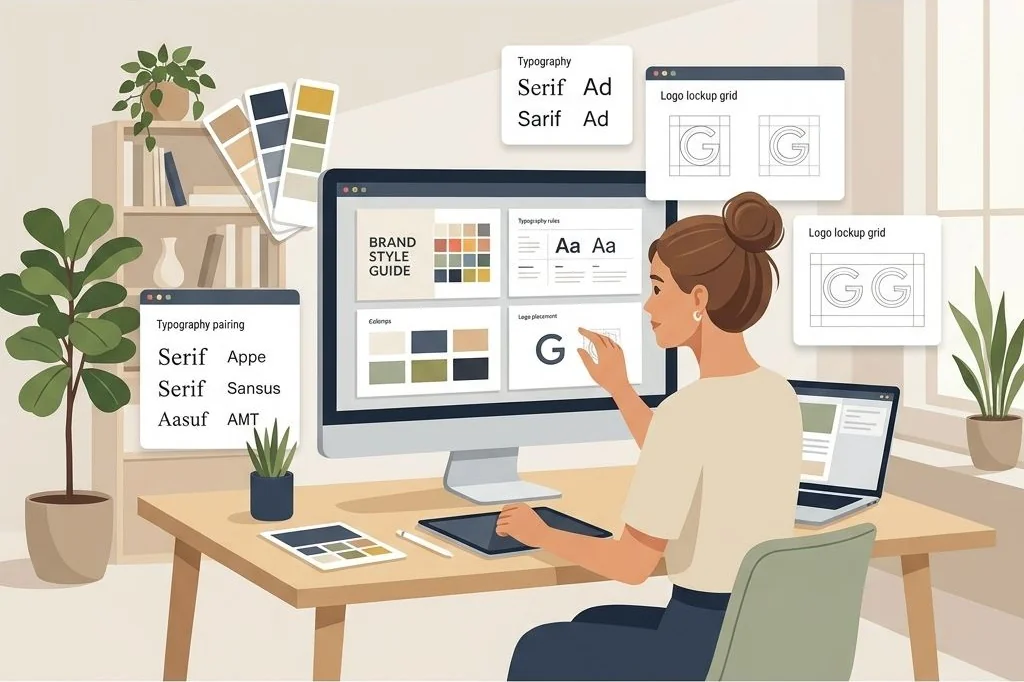
On PLR Biz Hub, I pair compliant design workflows with clean storefront setup. Before publishing new graphics, check my breakdown of the most profitable Canva templates to sell alongside brand style guide templates to pick high-demand niches with zero licensing headaches.
Comparing Delivery Formats for Commercial Template Sellers
Choosing the right file delivery format protects both your license compliance and your buyer experience. Delivering editable projects via native template links ensures buyers open a fresh copy in their own workspace without overwriting your master file or exposing raw stock files unlawfully.
| Delivery Format | Free Elements Allowed | Pro Elements Allowed | Buyer Experience Risk |
|---|---|---|---|
| Shareable Template Link | Yes (smooth edit on free plans) | Yes (free buyers see watermarks) | Low if labeled Free-Element Only |
| Flattened Printable PDF | Yes inside composite original layouts | No standalone unaltered stock exports | Safe for multi-element planners |
| Raw Standalone PNG / SVG | No unaltered single stock files | Strictly prohibited (extracting stock) | High risk of license breach |
| Trademarked Logo Files | No (non-exclusive stock shapes) | No (non-exclusive stock shapes) | Trademark office rejection |
What Steps Keep Template Shops Safe From Copyright Claims?
To keep your digital store compliant with canva template licensing rules for resellers, build layouts from scratch or licensed PLR packs, avoid repurposing someone else’s public marketplace template, restrict every icon to Free tier when selling to broad audiences, and deliver via template links inside a PDF instruction card.
- Never clone platform pre-made templates for resale: Taking an existing designer’s gallery template, changing two colors, and selling it violates terms immediately. Start from blank grids or properly licensed private label rights digital assets explicitly cleared for commercial rebranding.
- Audit every page for crown icons before sharing: One accidental Pro font or shadow overlay forces free-account buyers to pay extra royalties or deal with grid watermarks. Swap every paid element for clean geometric shapes and standard free fonts.
- Combine at least four original elements per page: Never place a single botanical illustration alone on an 8×10 sheet and call it wall art. Combine typography, framing geometry, custom checklists, and original brand copy into a complete practical asset.
- Use official template links instead of direct edit links: Always click Share, Template Link rather than Anyone with the link can edit. An edit link lets your very first buyer delete slides inside your master file for every subsequent customer.
- Ship clear buyer usage terms inside your download PDF: Include a concise personal or commercial license note matching reseller licensing documentation standards so buyers never confuse personal use with full PLR distribution rights.
If designing 150 cohesive slides or matching carousel grids from zero feels overwhelming, you can customize the 17000+ PLR Social Media Posts Canva Templates Bundle or launch cohesive client packs using the PLR Social Media Branding Templates Kit with full commercial resale permission built in.
Worked License Check Before Launching Any New Bundle
A quick 10-minute pre-publish audit catches 95 percent of accidental licensing mistakes before a single customer downloads your ZIP file. Treating compliance as a standard checklist step turns messy guesswork into a calm, repeatable storefront routine.
When I prepare a 40-page coaching slide kit for my store, I duplicate the master file into a test folder, view it in a secondary free account with zero paid subscription active, and inspect every slide at 100 percent zoom. If zero watermark patterns appear, every hyperlink routes cleanly, and my PDF instruction sheet explains clearly whether the customer gets personal or commercial rights, the pack clears launch check in under 15 minutes.
When Resellers Should Avoid Unchecked Stock Asset Packs
Avoid using third-party stock graphics inside template bundles whenever a buyer demands exclusive copyright ownership, formal trademark registration for a brand logo, or raw standalone SVG vector packs for print-on-demand apparel. Understanding these limitations and drawbacks early prevents chargebacks across 100 percent of custom orders, because non-exclusive stock icons are only safe for composite layouts rather than standalone brand ownership.
Respect these clear trade-offs and boundaries before accepting custom orders or launching niche packs priced from $15 to $49:
- Logo and trademark services: Clients planning to register trademarks within 60 days cannot legally protect non-exclusive stock icons shared across 10,000+ other businesses.
- Raw sticker sheets and clipart packs: Selling isolated cutouts on blank backgrounds with under 20 percent original design layout puts your listing at high risk of removal inside 48 hours.
- Unverified internet PLR dumps: Cheap unvetted bundles downloaded from anonymous forums often hide scraped trademarks or stolen fonts that expose your payment processor to disputes within 14 days.
Frequently Asked Questions
Can I sell Canva templates if I only have a free account?
Wait until you verify link sharing features, though designing purely with Free elements keeps your template completely accessible for free-plan buyers. Note that generating official native Template Links requires an eligible creator or Pro plan, whereas free users only generate standard copy links.
What happens if I put a Pro element inside a template I sell?
If your buyer opens a template link containing Pro elements on a free account, they see watermark grids across those elements and must pay per graphic or upgrade to download cleanly. Using 100 percent Free elements eliminates this friction and prevents angry support tickets.
Can I resell PLR templates that already come with commercial rights?
Yes, provided the PLR license explicitly grants resale rights and you customize the branding, colors, layout details, or bundled copy so your storefront listing offers authentic value. Never redistribute raw unlicensed platform stock files as standalone downloads.
Why do sellers need a separate PDF instruction file for template links?
Most digital checkout systems require uploading a physical file like a PDF rather than a raw URL. A clean two-page PDF welcome card holds your clickable Template Link button, clear usage instructions, and brand support email while preventing accidental edits to your master template.
Strong license hygiene protects both your merchant account and your long-term store reputation. Run a secondary free-account test on your next template pack before uploading it to checkout so every customer opens a spotless copy on click one.