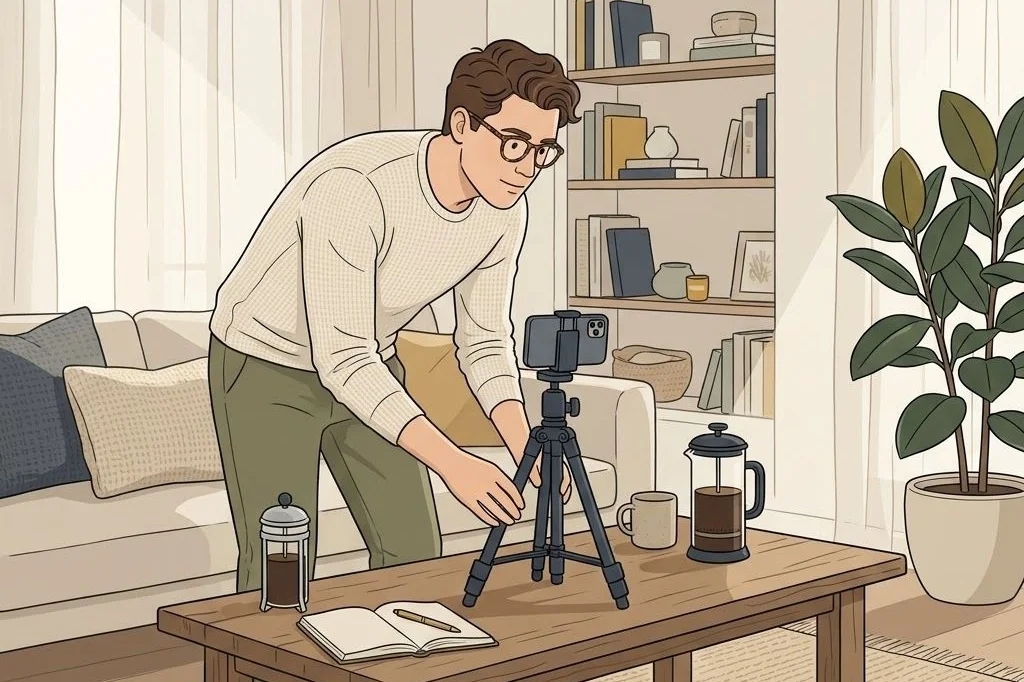
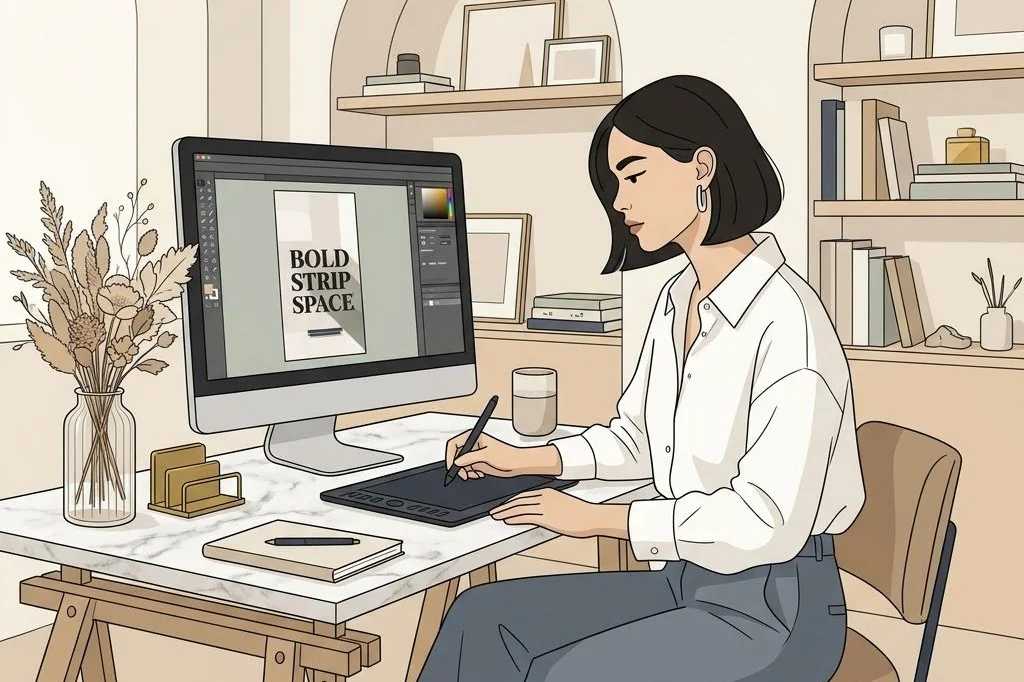
Here is a startling reality of modern social media consumption: more than seventy percent of users browse feeds on public transit, in waiting rooms, or in bed with the volume muted. If your video relies solely on spoken audio or quiet ambient music without clear visual text, the overwhelming majority of people will scroll right past without understanding your message. In the realm of faceless video marketing, typography is your voice.
Mastering text overlay typography for viral reels is what turns passive aesthetic background scenery into a high-converting visual sales letter. When your on-screen words are beautifully styled, perfectly paced, and effortlessly legible against shifting video textures, you capture attention instantly. In this design-focused guide, I will share the font pairing rules, contrast techniques, and safe-zone placement guidelines I use to guarantee maximum retention on silent screens.
Key Takeaways
Essential typography guidelines for silent faceless video reels:
- High-retention silent videos rely on immediate textual clarity within the first two seconds.
- Pairing an editorial serif header with a clean sans-serif subhead communicates luxury and trust.
- Utilizing subtle translucent backing boxes guarantees legibility across high-contrast background footage.
- Restricting text placement to vertical platform safe zones prevents interface UI clutter from obscuring your words.
Ready-made Social Media Templates on plrbizhub.com feature pre-designed typography hierarchies and fully editable Canva overlays, ensuring your on-screen message captures immediate attention even when viewers watch silently on mute.
The Cognitive Mechanics of On-Screen Reading
Reading text on a vibrating mobile screen while a video plays in the background places a complex processing demand on the human visual cortex. According to research in typography and legibility science, the eye tracks visual contrast and word shapes rather than deciphering individual character strokes. If the background footage is visually chaotic, the brain encounters cognitive friction, prompting the viewer to abandon the reel.
To reduce reading fatigue, enforce strict visual hierarchy. Your main hook must dominate the frame with a font size that is unmistakable even on smaller smartphone screens. Secondary explanatory text should be scaled down to roughly half the size, creating an intuitive path for the reader’s gaze. Never present more than two short sentences on screen simultaneously; break complex ideas across multiple quick text slides or invite the reader to inspect the full caption below.
Furthermore, timing matters. A text overlay should remain on screen long enough for an average adult to read it comfortably one and a half times. If a block of text disappears before the reader finishes the final word, it triggers frustration. Test your timing by reading your on-screen copy out loud at a relaxed pace; if your voice feels rushed, add an extra second to the text duration.
Proven Font Pairings for Aesthetic Creator Brands
The fonts you choose convey brand personality before the reader even comprehends the semantics of your hook. Avoid playful, childish novelty fonts or generic default system typefaces. Instead, stick to refined font pairings widely available in design suites like Canva.
Pairing 1: The editorial magazine aesthetic
Use Playfair Display or Bodoni Moda in italic for your primary hook keyword, paired with Helvetica Neue or Inter in clean medium weight for supporting context. This pairing communicates high-fashion sensibility, intellectual depth, and boutique luxury. It is ideal for mindset coaching, aesthetic lifestyle products, and premium digital templates.
Pairing 2: The modern architectural sans
Combine Montserrat in bold uppercase for your title with Lato or Open Sans in light regular weight for the secondary line. This pairing looks structural, modern, and authoritative, making it perfect for tech workflows, finance trackers, and business development blueprints.
Pairing 3: The warm literary serif
Pair Lora or Merriweather in regular weight with a clean monoline script accent like Brittany or Apricots for single-word emphasis. This creates a cozy, artisanal atmosphere perfect for slow living, book lovers, and wellness journals.
Optimizing Line Height and Letter Spacing for Mobile Screens
Beyond choosing the right typeface family, subtle typographic micro-adjustments make an enormous difference in how effortlessly mobile eyes scan your words. Default software settings often compress lines together, causing ascenders and descenders to collide when uppercase letters are mixed with lowercase accents.
Set your line height between 1.2 and 1.35 times your font size. This provides enough breathing room between lines so that moving video textures do not visually bleed into letterforms. For uppercase sans-serif headlines, increase letter spacing by plus five to plus ten points to give letterforms a refined architectural cadence. For italic serif phrases, keep tracking at zero or slightly negative to preserve the fluid cursive flow of calligraphic ligatures.
Finally, limit each line to no more than four to six words. Short lines naturally center viewer focus and prevent rapid horizontal eye movement, allowing the viewer to absorb your hook with minimal mental strain.
Solving the Contrast Dilemma on Moving Video
The biggest technical challenge in faceless reel typography is maintaining contrast as the video moves. A white font that looks crisp against a dark mahogany desk becomes completely invisible when the camera pans past a bright sunlit window. You must engineer foolproof contrast defenses.
The simplest method is applying a subtle drop shadow with zero offset, eighty percent blur, and sixty percent opacity in pure black. This creates a soft, natural halo behind letterforms that guarantees readability across any background shift without looking harsh or clunky.
Alternatively, place your text inside a rounded rectangle shape set to black or deep charcoal with forty to fifty percent opacity. This glassmorphism effect not only ensures bulletproof contrast, but also mimics modern operating system UI elements, giving your video a refined, software-grade finish.
Always test your typography positioning against the varying aspect ratios of social discovery feeds. While reels display in full 9:16 vertical dimensions when tapped, platform feed previews often crop videos to a 4:5 vertical box or 1:1 square. If your text overlays sit too high or too low, the preview cuts off your hook, leaving feed scrollers confused. Keeping your core hook strictly centered within the central 4:5 preview boundary ensures complete visual clarity in every browsing context.
For creators who want pre-designed, commercially licensed branding kits with plug-and-play typography layouts, our PLR Social Media Branding Templates Kit offers hundreds of ready-made Canva reels and story templates optimized for silent viewing.
Typography is an indispensable pillar of digital product quality and market positioning. To learn more about identifying high-standard digital resources, explore our guide on how to choose high quality PLR digital products and visit our complete resource library on plrbizhub.com.
Frequently Asked Questions
What percentage of social media users watch short-form videos with sound turned off?
Industry analytics reveal that between sixty and eighty percent of mobile users browse social video feeds in silent mode, making on-screen typography critical for content consumption.
What font pairings work best for quiet luxury aesthetic reels?
Pairing a bold, clean sans-serif like Montserrat or Inter with an elegant high-contrast editorial serif like Playfair Display or Cormorant Garamond creates timeless sophistication.
How can I make white text readable over bright or shifting video backgrounds?
Add a subtle dark gaussian drop shadow (around 40% opacity), a gentle 1px dark stroke, or place a semi-transparent black or charcoal box behind the text block.
Where is the safe zone for placing text overlays on vertical reels?
Keep all critical text centered horizontally within the middle 60% of the screen, leaving the top 20% clear of search bars and the bottom 25% clear of usernames, captions, and audio icons.