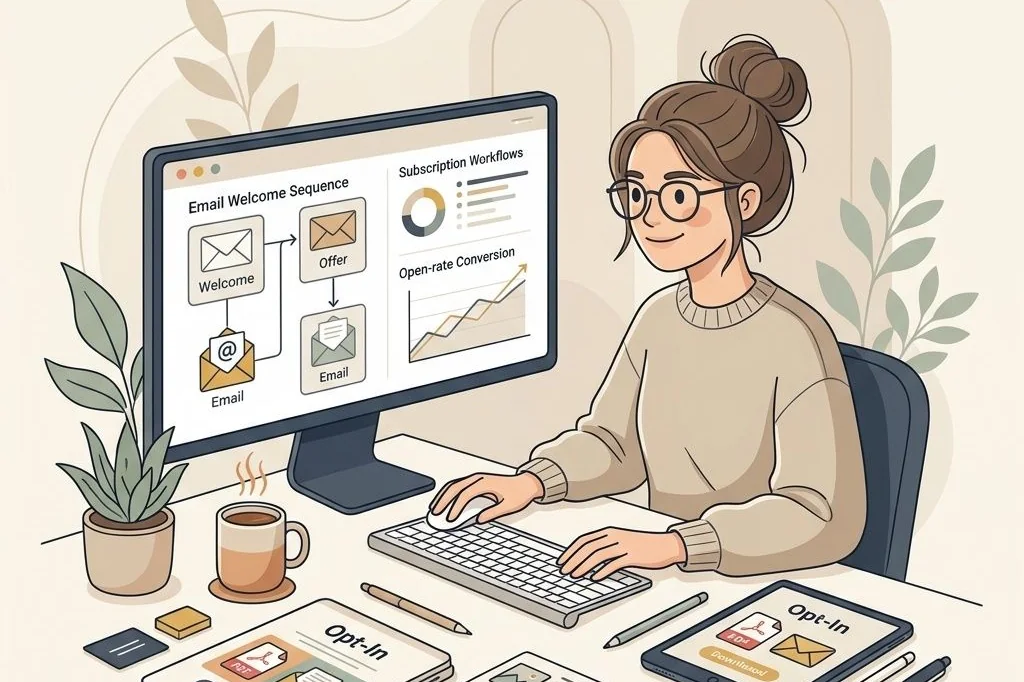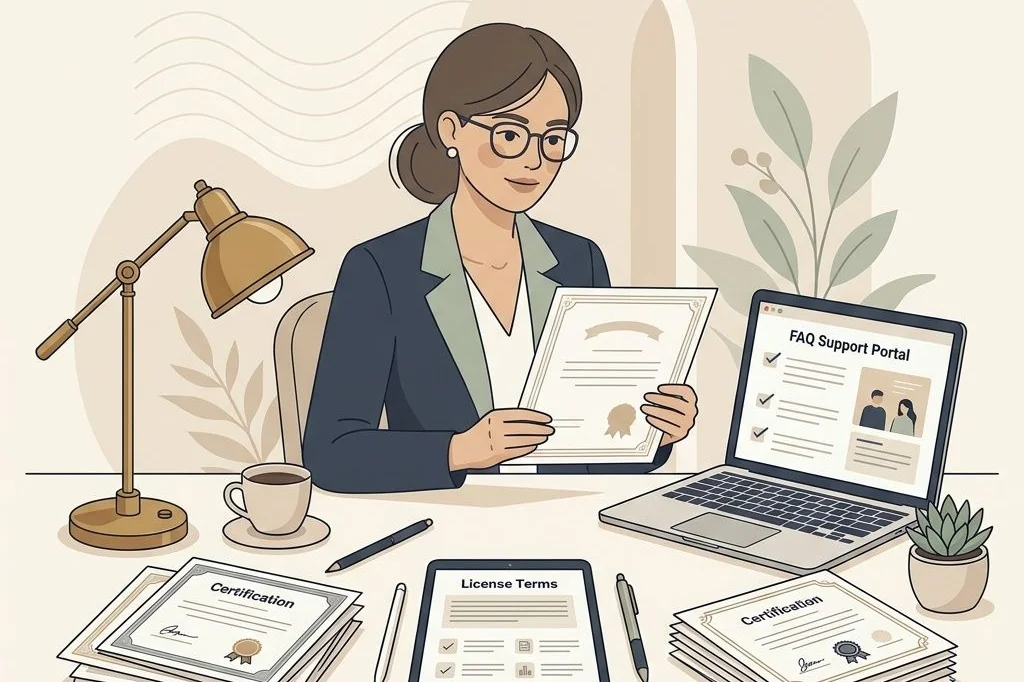

Purchasing poorly structured Private Label Rights downloads wastes weekend customization hours and triggers avoidable refund requests before your storefront gains traction. Knowing how to choose high quality PLR digital products lets new sellers evaluate source files, editable formats, and clear commercial terms in under 10 minutes before spending a single dollar.
Key Takeaways
Evaluating commercial PLR packs objectively prevents rebranding bottlenecks and low conversion rates:
- Verify editable source files first (Canva template links, layered sheets, or DOCX drafts) rather than locked PDF-only exports.
- Audit concrete workflow steps and checklists inside sample screenshots—avoid vague fluff articles padded past 30 percent generic transitions.
- Confirm commercial rebrand rights, bundle limits, and marketplace restrictions directly in writing inside the license document.
- Test demand signals with active search volume before buying giant unsorted 5,000-file archives stuffed with dead links.
- Canva Template Links: Allow instant palette swaps across 40+ planner pages using 2 brand colors without paid desktop software.
- Google Sheets & Excel Workbooks: Confirm unlocked formula cells and functioning conditional charts before duplicating into retail packs.
- Clean DOCX / Markdown Guides: Include clear H2/H3 outline styles so exporting a branded PDF or lead magnet takes under 15 minutes.
Skip weeks of quality guesswork today: Ready-made Digital Products on plrbizhub.com deliver clean, editable Canva and spreadsheet layouts built for fast custom branding so you launch with buyer confidence immediately.
What Separates High-Margin PLR Files From Outdated Bargain Dumps?
Premium private label assets give sellers ungrouped design layers, clean typography hierarchies, working formulas, and explicit commercial terms readable in under 3 minutes. Low-grade mega-dumps often recycle flattened 72-DPI scans or broken macros that take 6 to 8 hours just to salvage before uploading to profitable buyer niches.
Check source flexibility across three quick layers before clicking checkout: file editability, content freshness, and original commercial clarity anchored under US Copyright Office licensing basics.
| Inspection Criterion | High-Quality Rebrandable Asset | Outdated Bargain Dump | Target Prep Time |
|---|---|---|---|
| Source Format | Editable Canva links, DOCX, XLSX | Flattened PDF or corrupted ZIP | 15 to 45 mins to rebrand |
| Typography & Grid | Consistent margins, max 2 fonts | Clashing neon headers & cramped text | Zero layout rebuilding needed |
| Content Substance | Action steps, tables, concrete prompts | Vague motivational filler lines | Light tone updates only |
| Rights Document | Written PDF detailing exact permissions | Vague 2-line TXT or zero license | Instant compliance review |
Useful Articles:
Which File Formats Guarantee Smooth Rebranding in Under 60 Minutes?
Clean editable containers turn 4 hours of manual layout reconstruction into a focused 45-minute brand swap. Look strictly for native editable template share links, unmerged spreadsheet formulas, or cleanly styled word-processor manuscripts instead of PDF-only packs.
If you are comparing reliable catalogs right now, inspect curated evaluations inside where to buy high quality PLR digital products for resell and how to find high-quality PLR products that convert.
How Do You Verify Demand and License Safety Before Buying?
Never pay $39 for a niche bundle solely because the sales graphic looks glossy. Search buyer platforms for 5 active product listings priced between $12 and $37 to prove real wallets open for that exact problem—principles aligned cleanly with private label positioning standards and SBA digital market validation advice.
- Verify minimum resale rights: can you sell the customized end product to retail customers cleanly?
- Check pass-on limits: clarify whether buyers receive personal-use PDFs only or transferrable editing rights.
- Inspect dated stats and tool references: swap stale UI mentions or dead external URLs inside 20 minutes before listing.
- Audit file count sanity: a tight 60-page Canva planner kit customized thoughtfully beats 2,000 messy unedited articles every time.
Useful Articles:
What Are the Trade-Offs Between Low-Cost Archives and Curated Kits?
Weighing honest pros and cons keeps startup margins healthy. Cheap $9 mega-archives promise 3,000 assets yet regularly burn 10+ frustrating hours sorting duplicates, whereas curated commercial kits priced at $19 to $47 trim launch delays down to a single Saturday afternoon. When not to buy any PLR pack is when a product requires regulated clinical, tax, or legal advice where custom domain authority matters far more than speed.
Use curated foundational assets to skip blank-screen design overhead, add 30 to 40 percent original buyer bonuses or localized checklists, and verify every link before opening checkout.
Frequently Asked Questions
How can a beginner spot outdated PLR quickly before purchasing?
Inspect preview mockups closely for blurry pixelated cover thumbnails, obsolete software screenshots, vague multi-thousand-item volume claims, and missing descriptions of exact editable file formats included in the download.
Should I choose personal-use templates or full commercial PLR bundles?
Always buy explicit commercial PLR rights if you plan to customize and sell finished planners, spreadsheets, or guides to retail buyers—personal-use downloads strictly prohibit commercial resale.
How much customization is needed on a high-quality PLR product?
Update brand colors, cover mockups, typography, introduction framing, and at least one original bonus checklist or calculator tab so your retail listing stands out cleanly in search results.